Disclaimers
I’m guessing you already installed java, made an account on https://modrinth.com/ and installed the Modrinth app at https://modrinth.com/app, and logged in your Modrinth and Microsoft (Minecraft) accounts.
Guide start
When you first open the app you will be greeted by a screen that looks similar to this
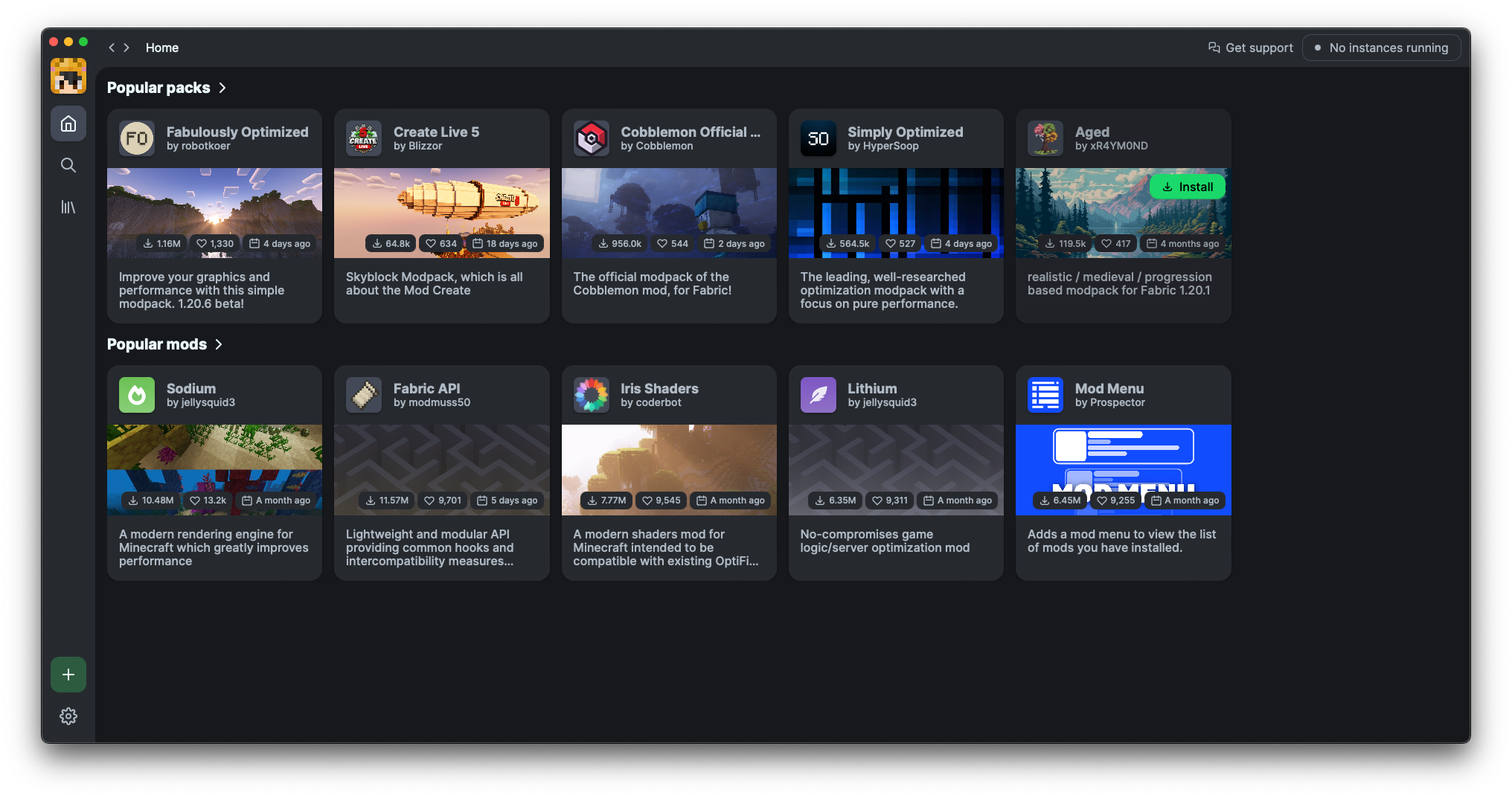 What you want to do is click the search icon
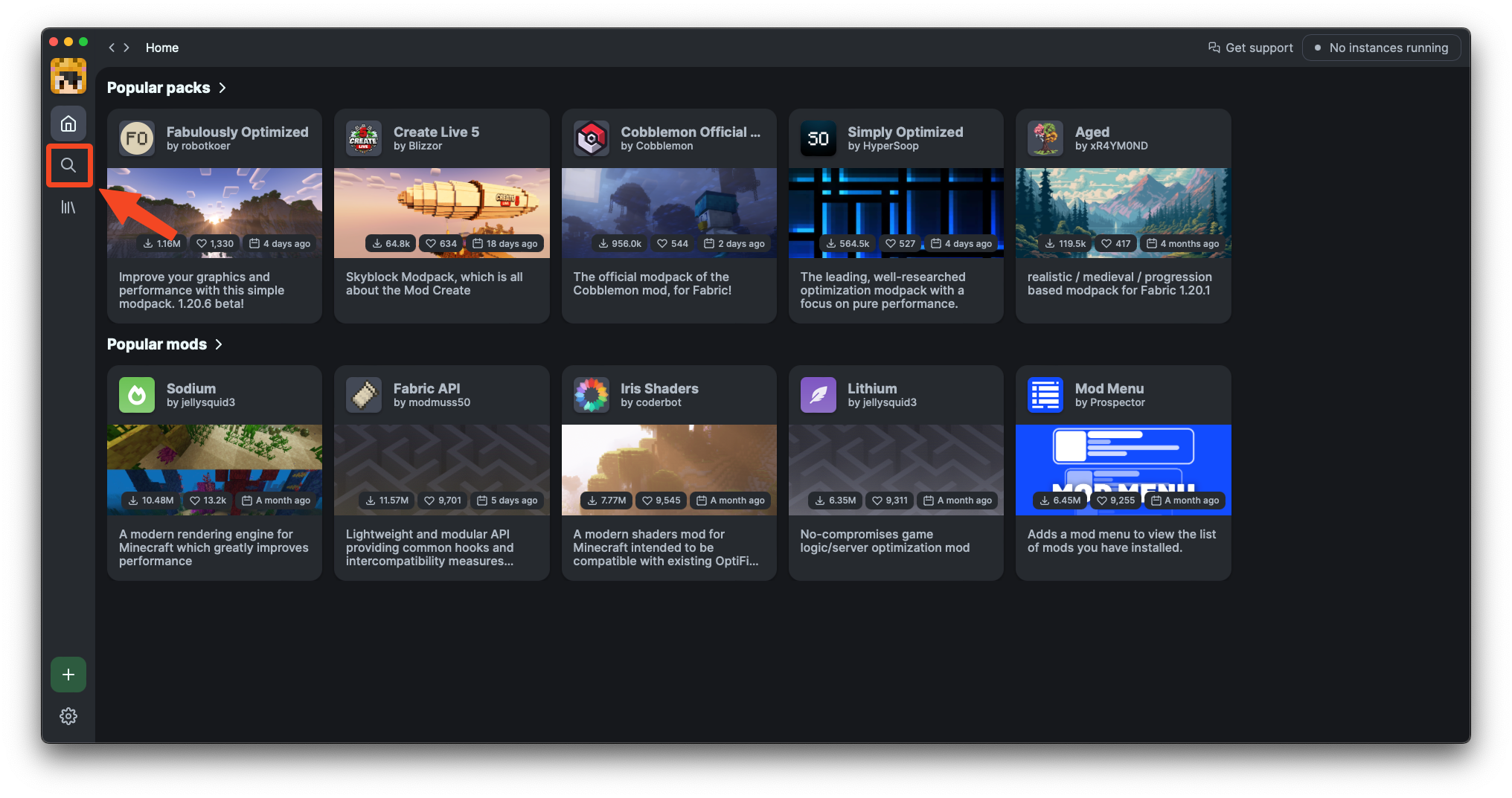 Then search up “Slore SMP” and it should look like this
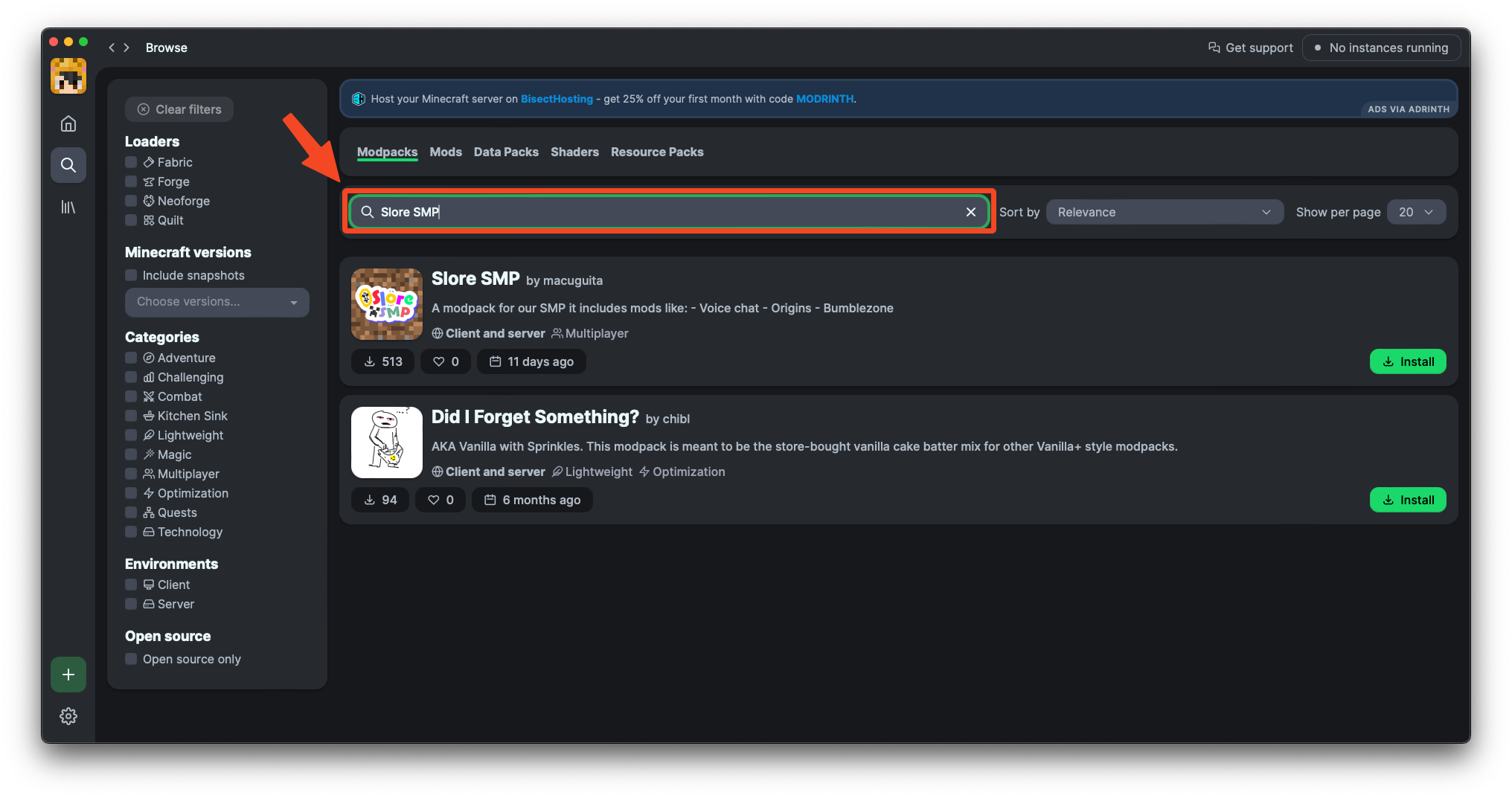 After you found the modpack, make sure to click install
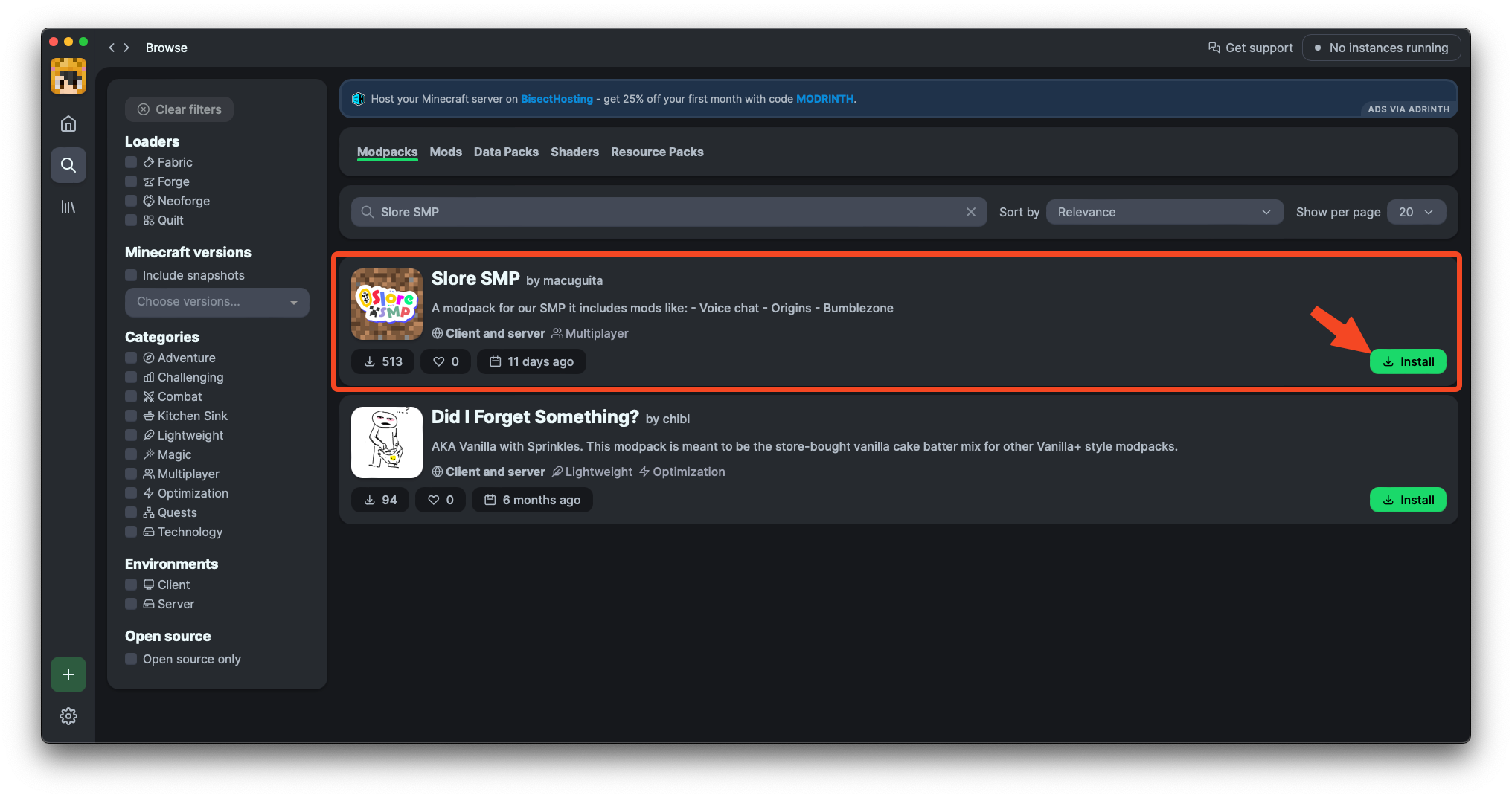 And once it installed go to the main menu
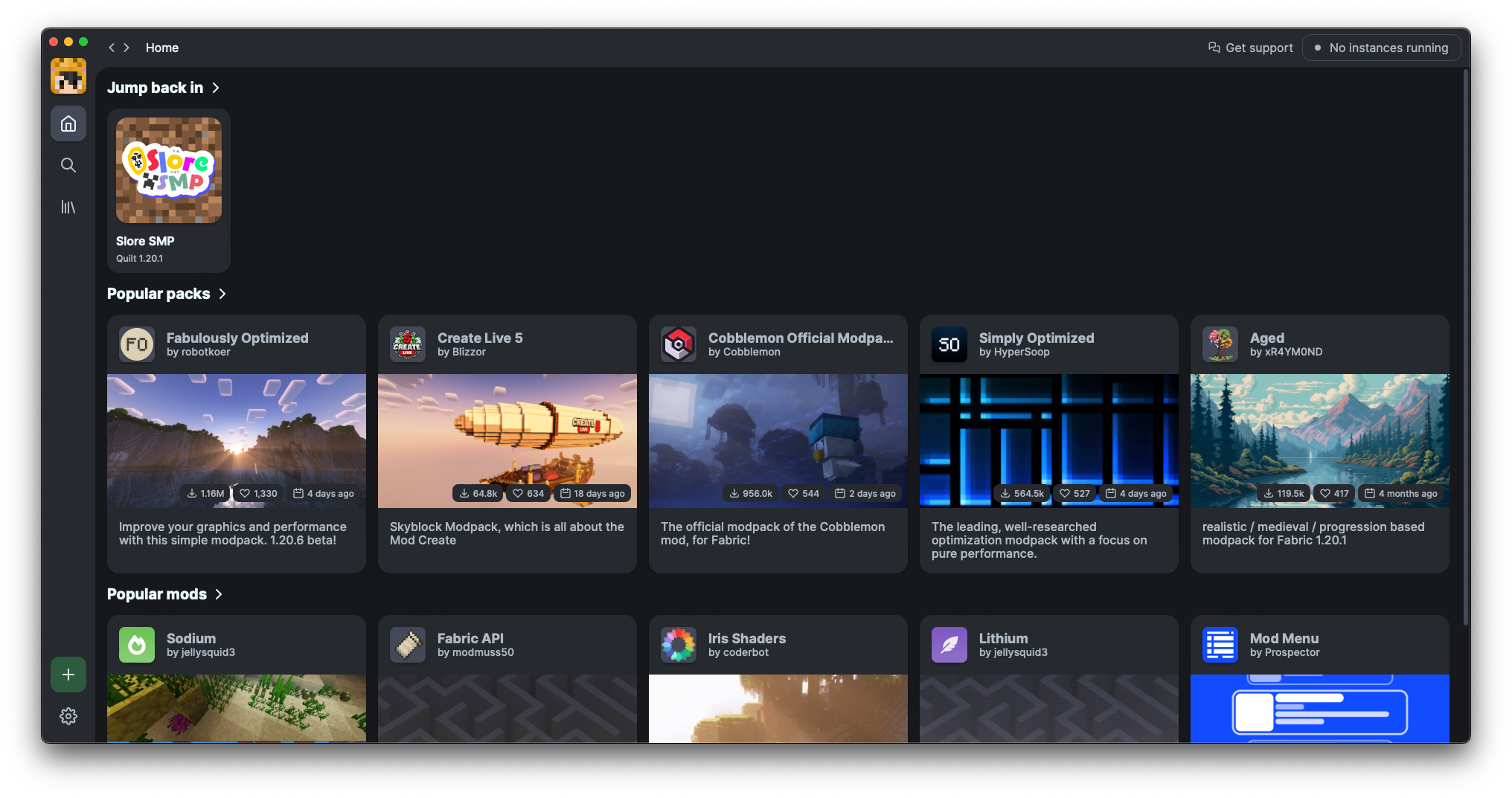 And you will find you have a new modpack
 Click the play icon and minecraft will launch for you, it takes around 1 minute to load, probably less if you have a good computer.
Once it loaded you should be greeted by a screen that looks like this
Click the play icon and minecraft will launch for you, it takes around 1 minute to load, probably less if you have a good computer.
Once it loaded you should be greeted by a screen that looks like this
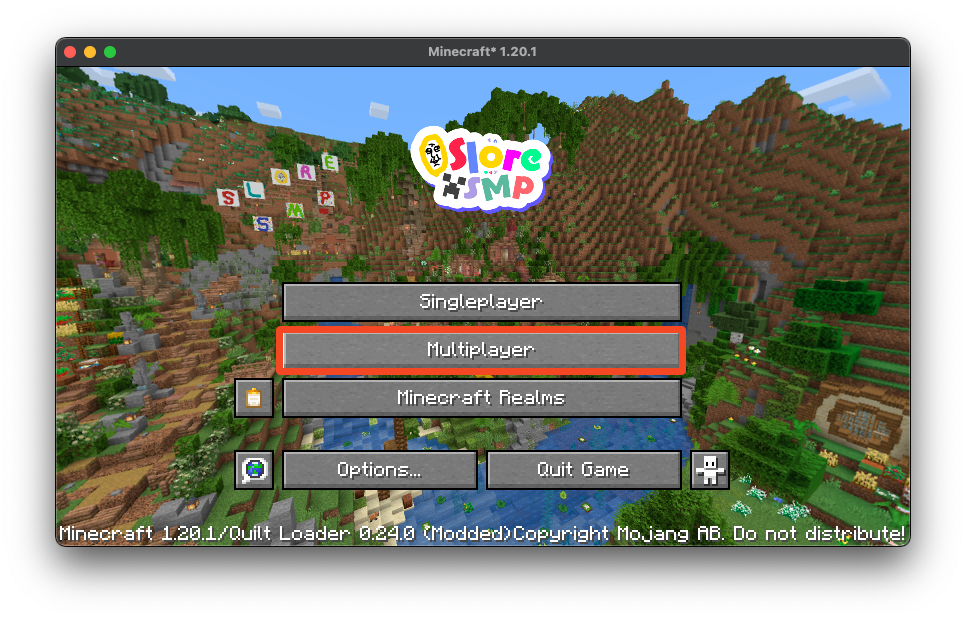
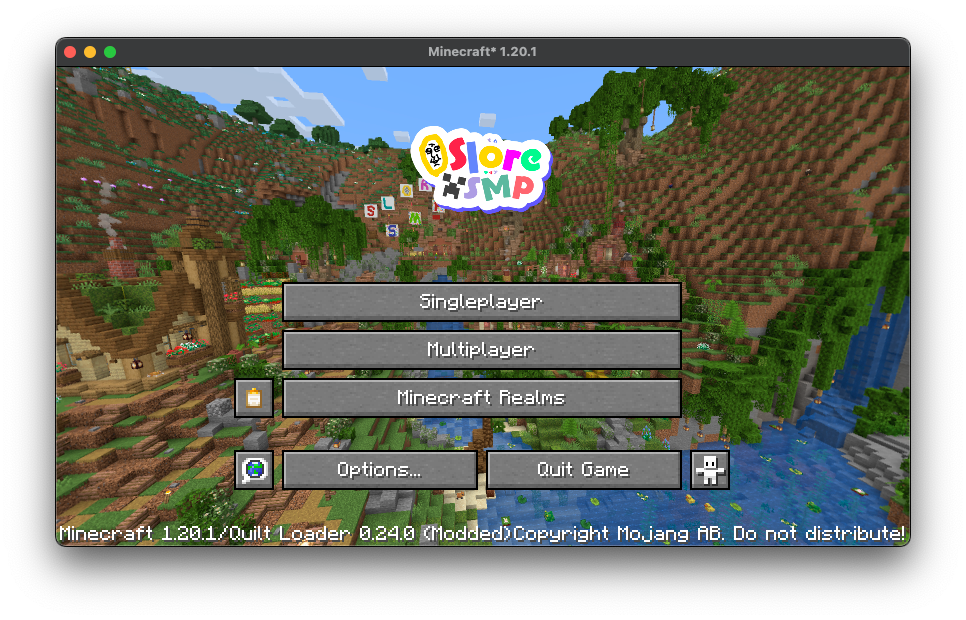 Click on the “Multiplayer” button
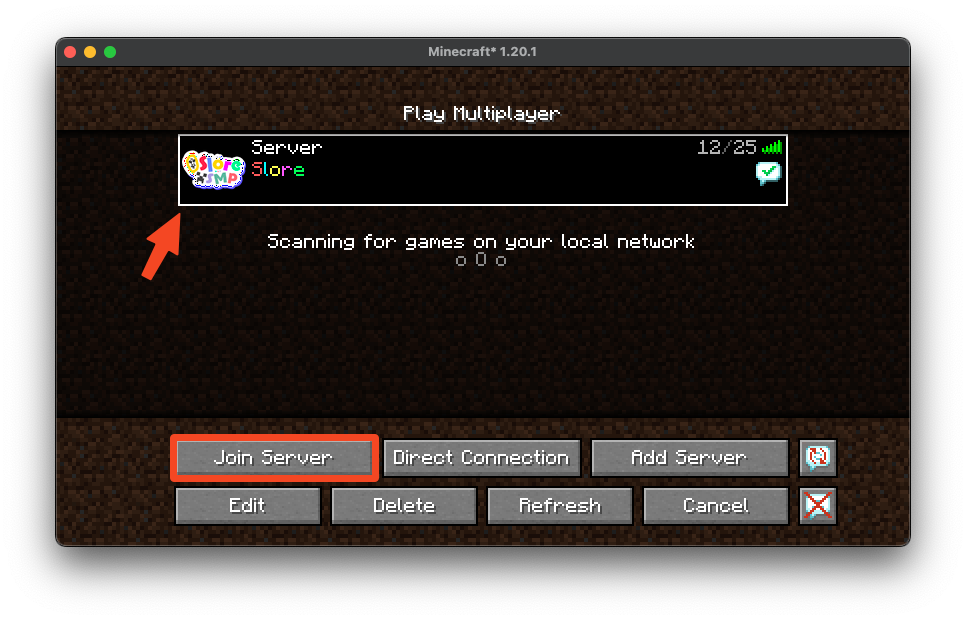
 Make sure to select the server and click “Join Server”!
 After this you should be in the server and are free to play! Make sure to follow the Rules!